Gemini Spark Moves Browser Agents Into Chrome Sessions

Gemini Spark now integrates with Chrome auto browse, using logged-in browser context with permission while keeping users in the loop for sensitive actions.

Retrieval answer

Gemini Spark now integrates with Chrome auto browse, using logged-in browser context with permission while keeping users in the loop for sensitive actions. Google says Gemini Spark now integrates directly with Chrome auto browse. With the user's permission, Spark can use logged-in accounts and saved passwords to handle web errands inside the browser.

New Runtime synthesiseditorial-diagram
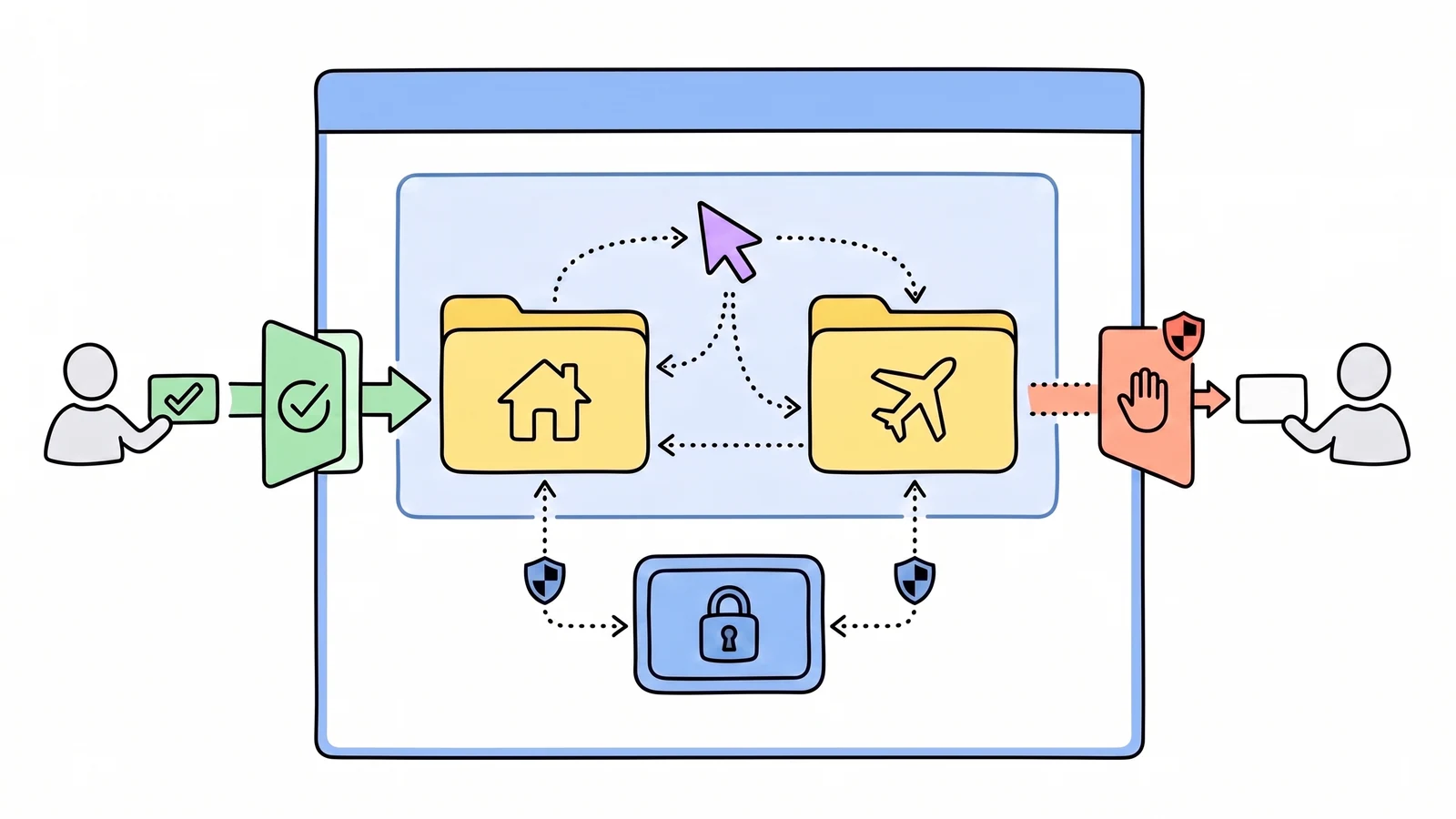
Hand-drawn browser-agent diagram where a user grants permission, an assistant works inside a browser session, and sensitive payment actions return to the user.
Gemini Spark's Chrome auto browse points browser agents toward permissioned, account-aware sessions with explicit handback for sensitive steps.New Runtime synthesis from public source inspectionOriginal source ↗
  1. Browser contextWith permission, Spark can use logged-in accounts and saved passwords in Chrome.
  2. Web errandsThe examples include apartment viewings and flight research that starts a booking flow.
  3. Human handbackSensitive actions such as payments return to the user instead of being completed autonomously.

Google says Gemini Spark now integrates directly with Chrome auto browse. With the user’s permission, Spark can use logged-in accounts and saved passwords to handle web errands inside the browser.

The examples are intentionally ordinary but consequential: scheduling viewings for saved apartments, researching flight options, and starting a booking process. That is the product direction browser agents have been moving toward: not a detached crawler, but an assistant operating inside the account and session where the task actually lives.

Google also names the safety boundary. The feature is described as protecting against prompt injection and keeping the user in the loop for sensitive actions, such as payments, by handing the task back to the user. Chrome auto browse is initially rolling out in the United States, while Spark access is expanding to Google AI Pro subscribers in more than 160 additional countries.

The important detail is that session access and action approval are now first-class product constraints. A browser agent that can see logged-in state is much more useful than a public-web agent. It is also much riskier unless permissions, prompt-injection defenses, and human handback are part of the design.

New Runtime Read

Browser agents are shifting from “agent can browse the web” to “agent can operate inside my browser context with guardrails.”

That moves the architectural question away from navigation alone. The hard parts are identity, credentials, delegated intent, prompt-injection resistance, and the exact moment a task must return to the human. Chrome integration makes those boundaries visible.

Recommendation

Gemini Spark now integrates with Chrome auto browse, using logged-in browser context with permission while keeping users in the loop for sensitive actions.

Discovery graph / next reads

Continue through New Runtime

Open the graph
  1. 01topicAgents - New RuntimeExplore the agents topic hub.
  2. 02topicInterfaces - New RuntimeExplore the interfaces topic hub.
  3. 03related materialGusto Solves The Agent Blank Canvas With Scheduled WorkShares agents and interfaces.
  4. 04related materialLangSmith LLM Gateway Puts Runtime Controls Between Agents and ModelsShares agents and security.
  5. 05related materialVercel Sandbox Adds Unix Boundaries for Multi-Agent WorkShares agents and security.

These links are also published in this page’s JSON twin and as typed edges in DiscoveryGraph v1.

Who read this page?Machine requests, hidden until opened

Loading the privacy-safe route aggregate…

Open the JSON contract